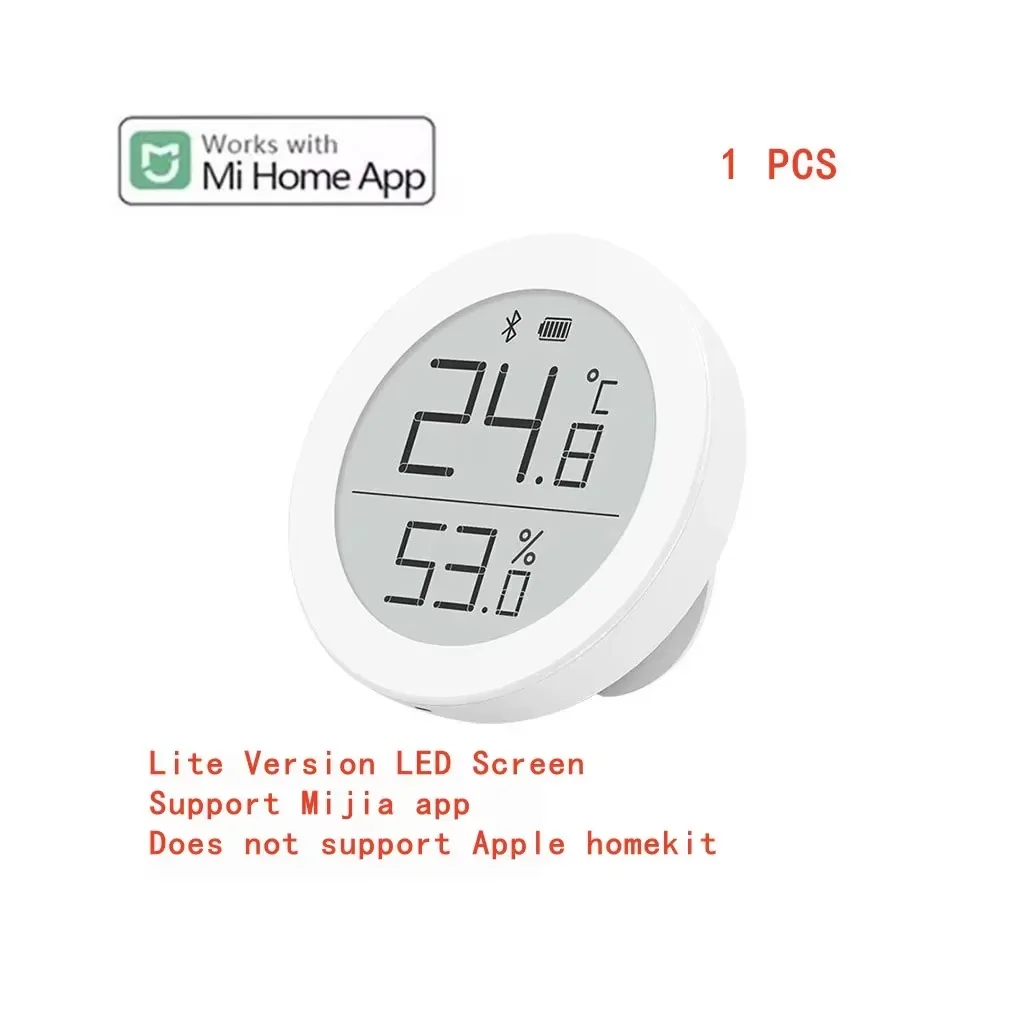
qingping
Qingping Remote Control
Mi Home compatible
Lowest listed total
$15.89
Free shipping in this quote · Quote for United States · USD
See offer details ↓Offer checked 2026-08-19. Confirm price and availability at the store.
Purchases are completed at the store. We may earn a commission from qualifying links.
- Gateway
- Mi Home Bluetooth gateway required for remote access and automation
Qingping Temp & RH Monitor Lite is a Bluetooth indoor temperature/humidity display compatible with Mi Home. Remote access and automations require a Mi Home Bluetooth gateway.
Product information
The Qingping Temp & RH Monitor Lite is a compact indoor climate sensor with a local display for temperature and relative humidity. It connects over Bluetooth and is intended for everyday room monitoring rather than outdoor or harsh-environment measurement.
Mi Home integration
Qingping’s documentation identifies the Lite line as compatible with Mi Home. The sensor can communicate locally by Bluetooth; remote readings, cloud history and automations need a compatible Mi Home Bluetooth gateway. Region/server support is not universal, so the Xiaomi Home/Mi Home account region should be checked during setup.
Several hardware revisions of the Lite monitor exist, and the product information does not establish which exact revision is represented. For that reason, model number, battery type and physical dimensions are intentionally not asserted here.
This product is a temperature/humidity monitor rather than a remote-control device; “remote control” wording refers to app access, not to the physical product type.
Practical considerations
Temperature and humidity monitors work best away from direct sunlight, heating outlets, open windows and other local influences that can distort room readings. Bluetooth models can be read nearby without a gateway, while continuous remote history and automations depend on the documented gateway path. These displays are intended for household environmental monitoring rather than calibrated laboratory measurement.
Everyday use
The local display provides an immediate reading, while the app/gateway path is useful for trends and automations. A practical setup is to watch how the room changes over several days before choosing automation thresholds, rather than reacting to a single reading. If several monitors are used, place them in representative locations so that each device reflects the room or zone it is intended to manage.
Key characteristics
- Mi Home app
- Compatible
- Brand
- Qingping
- Connectivity
- Bluetooth
- Gateway requirement
- Mi Home Bluetooth gateway required for remote access and automation
- Product type
- Temperature and humidity monitor
Similar devices to explore
MIUI Miaomiaoce MMC Eink Screen LCD Large Digital Display…
From $9.69 + shipping
View offers →
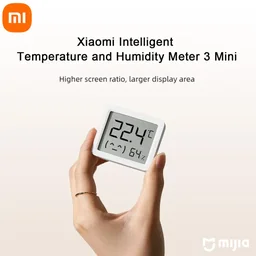
XIAOMI Mijia Smart Temperature Humidity Sensor 3 MINI Blu…
From $9.52 + shipping
View offers →
Xiaomi Mijia Bluetooth Thermometer with E-ink Display
From $12.76 + shipping
View offers →
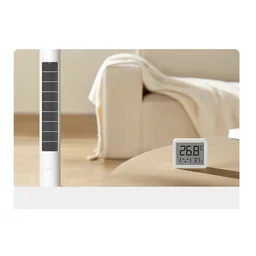
Xiaomi mijia Electronic Thermometer and Hygrometer 3 mini…
From $11.57 + shipping
View offers →
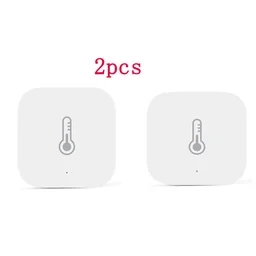
Xiaomi Aqara Smart Temperature and Humidity Sensor for Ai…
From $27.04 + shipping
View offers →